Concept maps
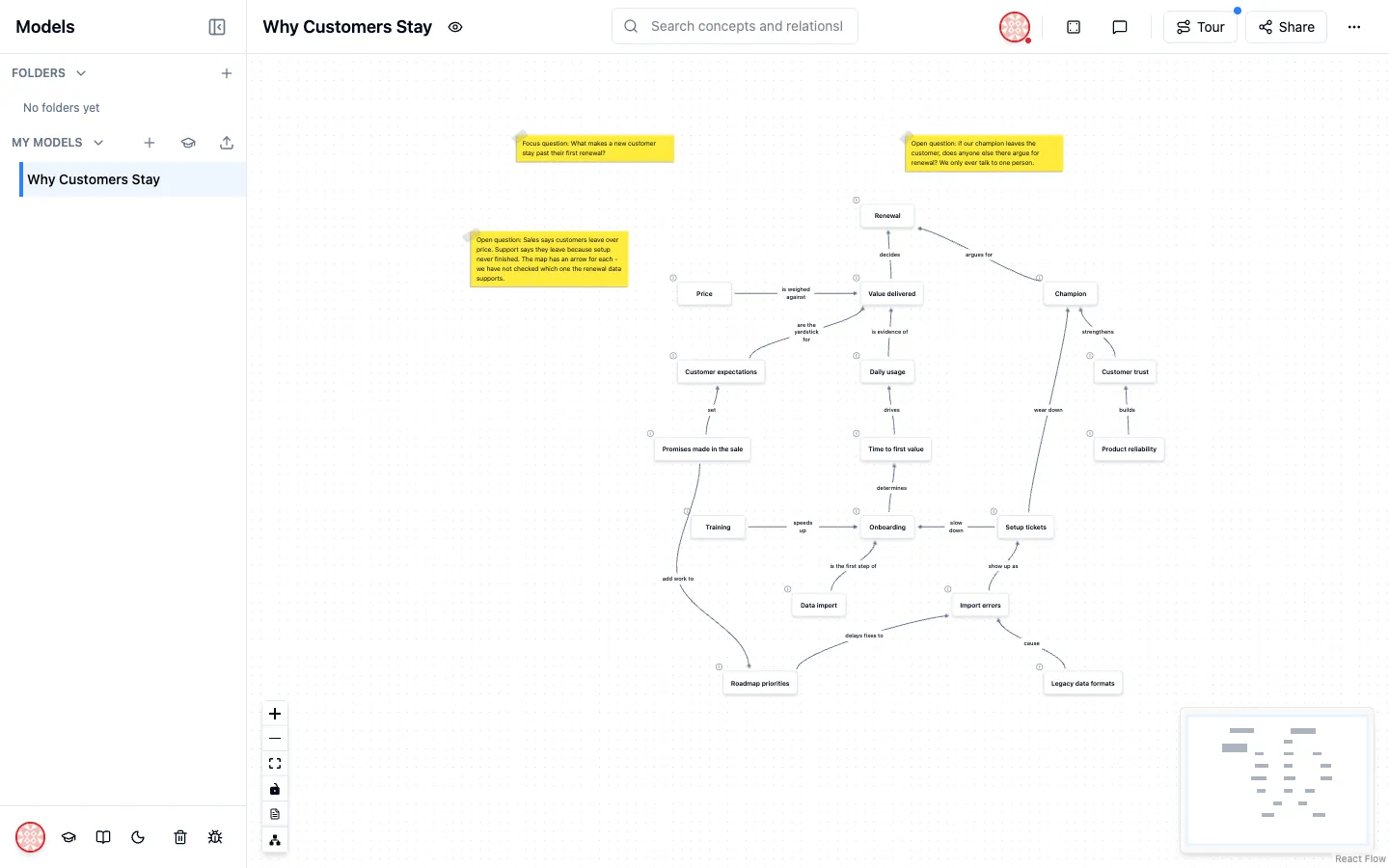
Concepts joined by labelled relationships: the simplest way to pin down a domain and its vocabulary. Every model starts here. Editing concepts →
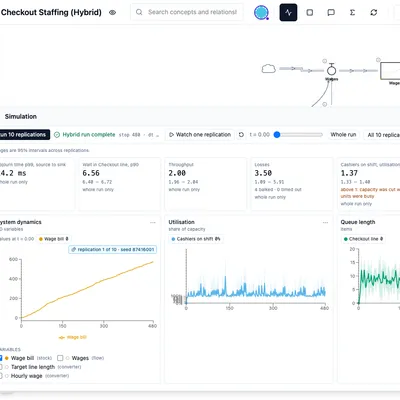
You never pick a model type up front. A model starts as a concept map and gains new kinds of element as you add them, all on the same canvas.
Concept maps
Concepts joined by labelled relationships: the simplest way to pin down a domain and its vocabulary. Every model starts here. Editing concepts →
System dynamics
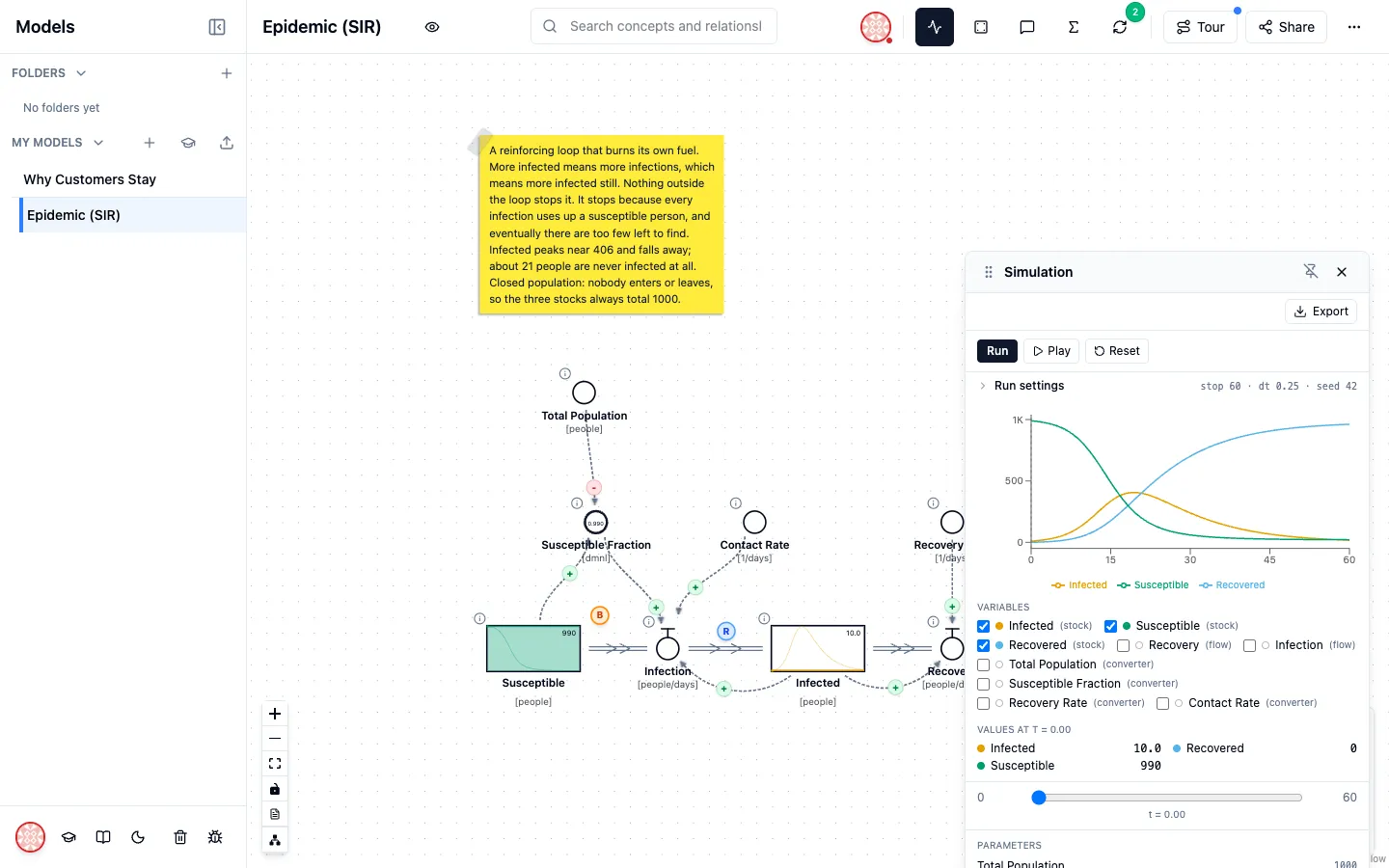
Stocks, flows and converters, and the feedback loops they form. Run the model over time and watch the trajectories. Simulation →
Discrete events
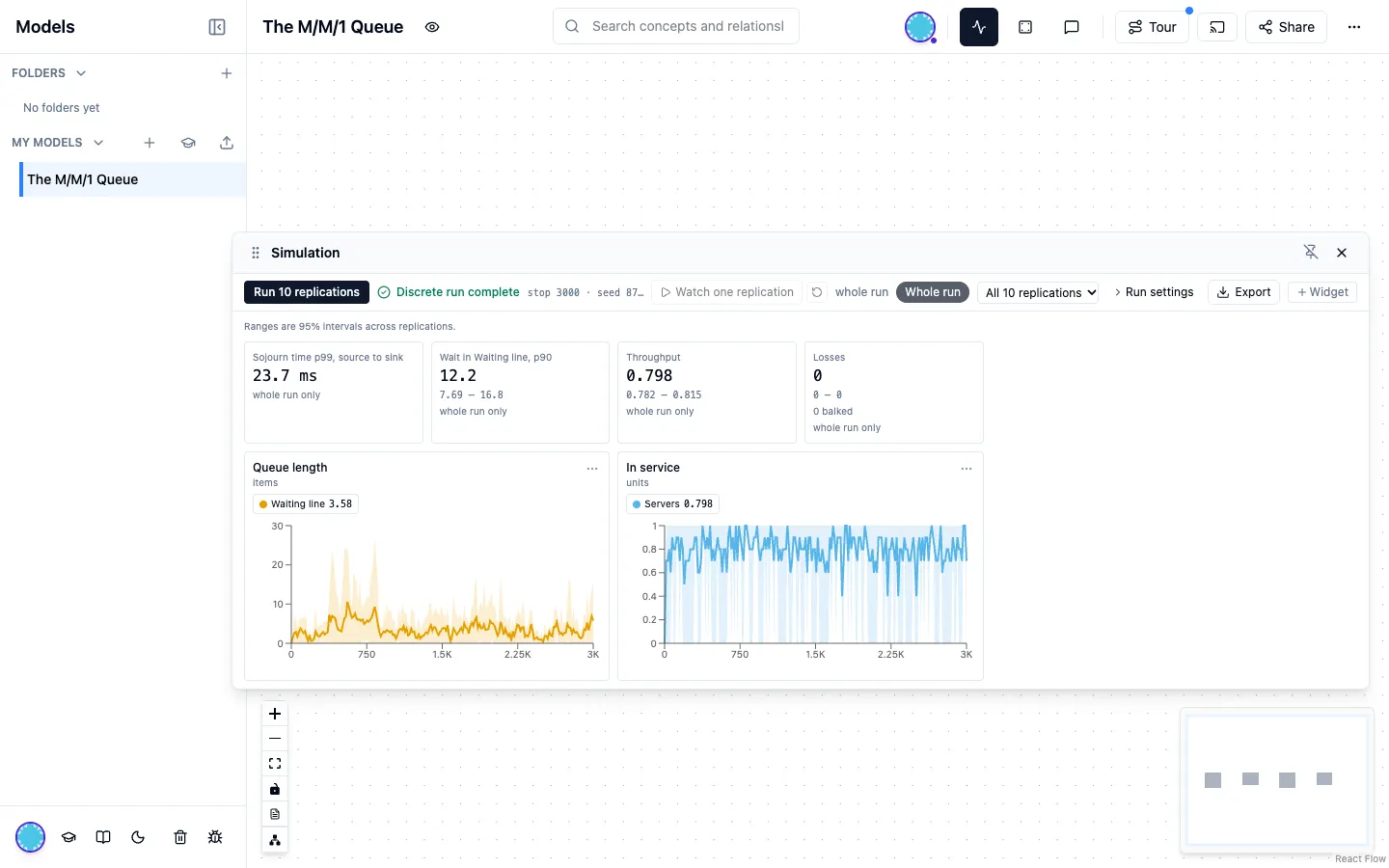
Sources, queues, services, pools and sinks. Entities arrive, wait and are served; replicated runs report waiting times, utilisation and throughput. Discrete and hybrid runs →
Software architecture
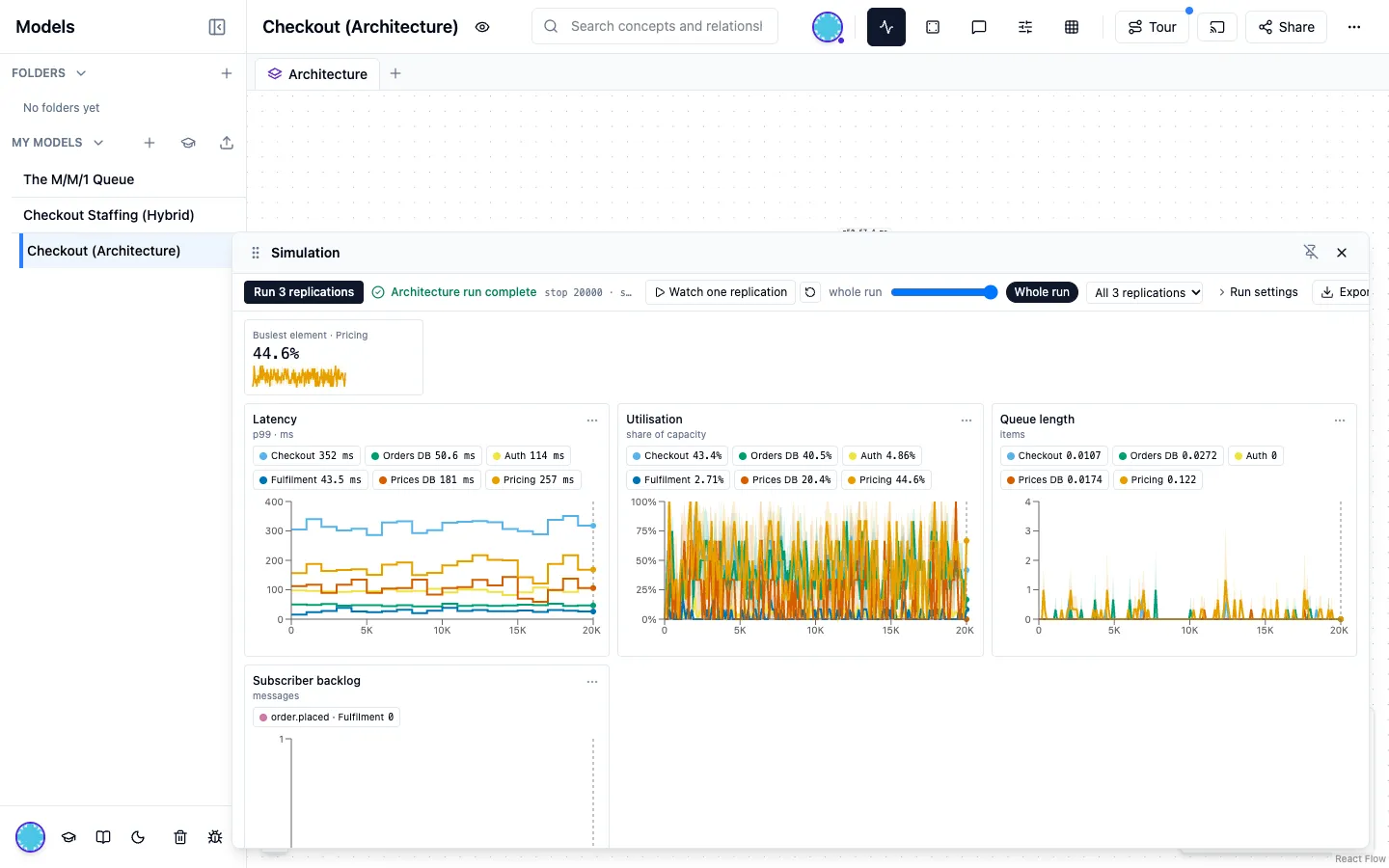
Clients, services, queues, databases, caches and their dependencies. Run the architecture under load to find the bottleneck, and draw context and deployment views alongside it. Architecture runs →
The families connect. A converter can read a queue’s length, a demand forecast can set a client’s arrival rate, and an SD model can steer a scaling group. Press Run and everything on the map runs together as one hybrid model. See Running an architecture with system dynamics.
Samples with guided tours
28 curated samples, ordered as a progression from a single stock upwards. Each one comes with a tour that walks through the model on the real canvas and runs it at the end. Starting from a sample →
Try it without an account
Start as a guest and use everything except sharing. Sign in later and your models come with you. Trying it as a guest →
Real-time collaboration
Everyone editing a model sees each other’s cursors and changes as they happen. Comment on any element and discuss it in place. Collaboration →
Perspectives and regions
Perspectives filter a model down to what one audience needs. Regions group part of a model into a place on the canvas: a system boundary, a deployment zone, a sub-model. Regions →
Concept mapping is where Liminis Models began, and it is still the first step of most models. James Ross’s talk explains how concept maps help a team make its domain language truly shared.